
 Bible Trivia Showdown
Founding testers wanted
Help us put a Bible quiz night on Google Play
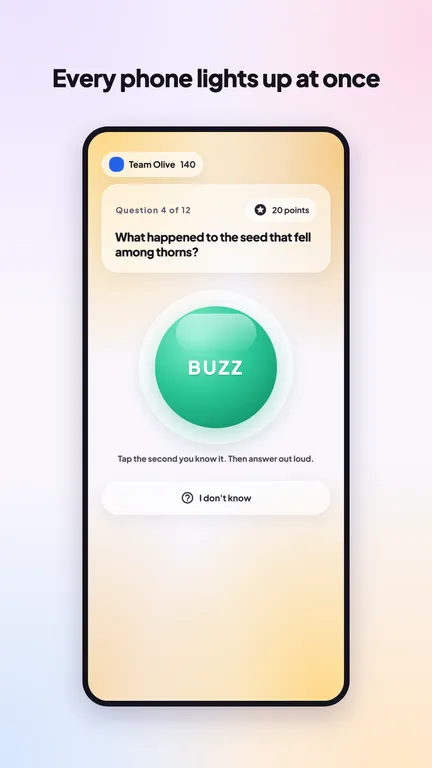
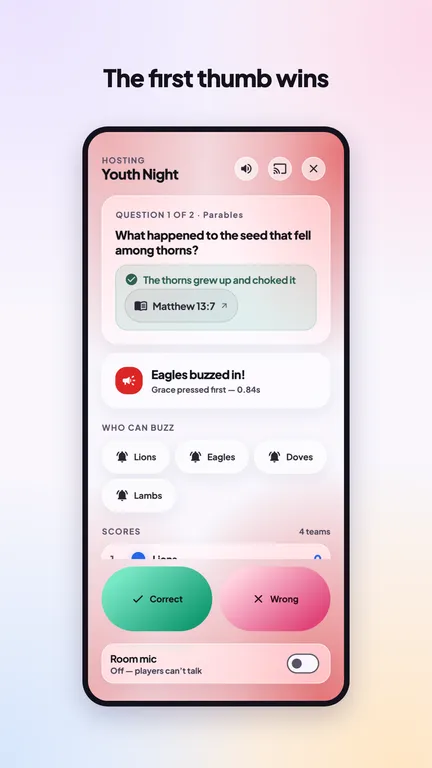
Teams buzz in from their phones and race to answer. Before Google lets us publish, 12 people have to test the app for 14 days. Will you be one of them?
Every tester takes us further
12 gets us onto Google Play. Here's what each milestone after that unlocks.
The count goes up by itself as testers claim their spot in the app.
What you get
- Your name in the appOn a Founding Testers list in the app, as one of the people who helped launch it.
- Founding Tester badgeA badge on your profile that nobody can earn after launch.
- Triple the AI questionsGenerate question sets with the built-in AI 60 times a day instead of 20.
- Play it firstRun quiz nights at youth group, Bible study or home before anyone else.
- Shape what comes nextTell us what to fix or add. We read every bit of feedback.
How to join · about 3 minutes
Draft: the testers group isn't set yet, so step 1 doesn't work. Set GROUP_EMAIL in the page script before sharing this page.
-
Join the testers group Use the Google account that's signed in to Play Store on your Android phone.Join the group
-
Become a tester Open this with the same account and tap Become a tester.Opt in on Google Play
-
Install the app If Play says it isn't available yet, give it a few minutes after joining.Get it on Google Play
-
Open the app and tap Continue with Google Use the same Google account as the steps above. That one sign-in is your claim: your badge and 60 AI questions a day switch on straight away. Already set up the app? Go to You and tap Sign in.
-
Keep it for 14 days Open it now and then: a solo practice or a quick game. Spotted a problem? Tap Send feedback in the app.
It's free and works on Android 7 or newer. Why two taps for the group and Play? Google doesn't let apps add people to a Google Group or a Play test, so those two are yours to tap.
Founding Tester claims closed when Bible Trivia launched. Thank you to everyone who tested it first.
Bring a friend
Every tester moves us up the ladder. Know someone with an Android phone who'd enjoy this?
Questions
Why does Google need 12 testers?
New developers on Google Play must run a closed test with at least 12 people for 14 days in a row before the app can go public. It's how Google checks that real people use an app before anyone can download it.
Play says the app isn't available to me
Check that Play Store on your phone uses the same Google account you joined the group with, then wait a few minutes and try again. Joining can take a little while to reach Play.
I have an iPhone. Can I help?
Not with this test, sorry. It's Android only for now. Please share the page with a friend who has an Android phone.
Do I need internet to play?
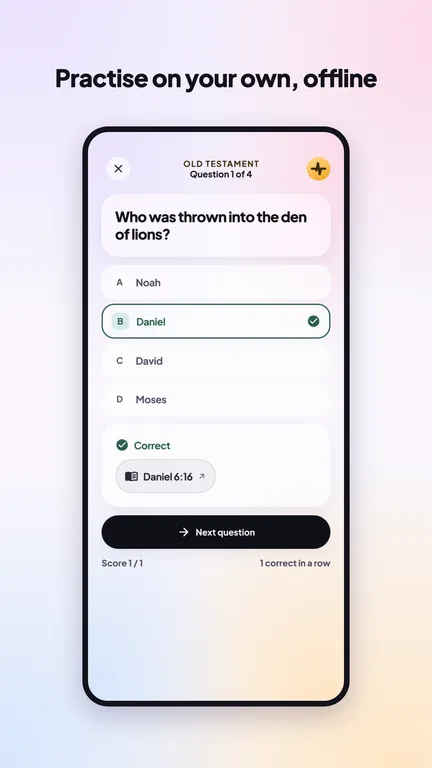
Only to install it. Games run over the room's WiFi or a phone's hotspot, and solo practice and the Bible work fully offline.
What if I uninstall early?
Please don't, if you can help it. Google only counts testers who keep the app for the full 14 days. Once the test ends you're free to keep it or remove it.
What do you do with my email?
Joining the group is handled by Google. When you sign in to the app with Google, we get your name and email from Google and use them only to credit you as a founding tester: to switch on your perks and, if you leave the switch on, to list your name. You can take your name off the list any time on the app's You tab. We don't share them or send marketing. Ask us to remove them any time at support@revivalcentre.org.zw. The app's own privacy policy covers the app itself.